Create creative lighting effects with Final Cut
How to use layer blends and animated effects to add mood and drama to footage
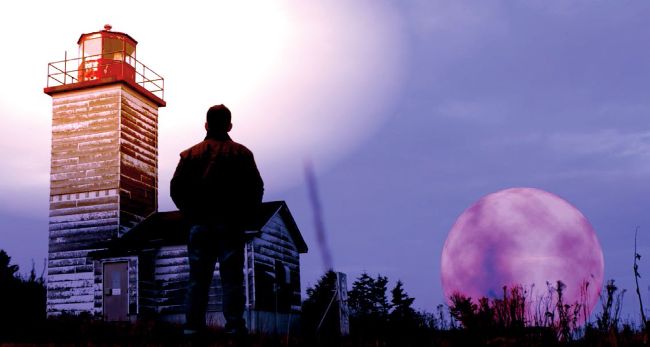
Turn day to dusk, add a moon and animate a flashing lighthouse lamp using keyframes
In this walkthrough we’ll show you a range of techniques to add animated lighting effects to a clip. We’ll grade the clip’s colours and tones to create a moodier scene and add a dramatic blood moon. Compositing an object, such as a moon, can be a challenge, especially when it overlaps moving subjects, like people. Fear not, though, because we’ll show you a quick and easy way to place a moon ‘behind’ people and objects using blending modes. We’ll also demonstrate how to grade a layer to boost the effect of the lighthouse’s lamp and then keyframe opacity to make the lamp flash on and off. After you’ve mastered the keyframing skills to make the lamp flash on and off once, you can repeat the technique throughout the clip’s duration.